Getting Started
In this tutorial, we will set up and deploy a Kedro project with Dagster using the Kedro-Dagster plugin. By the end, we will have a running Dagster UI showing our Kedro pipelines as Dagster jobs, assets, and schedules.
We will use the Kedro spaceflights-pandas starter, but you can use your own Kedro project; if so, skip step 1.
1. Create a Kedro project (optional)
Skip this step if you already have a Kedro project you want to deploy with Dagster.
We start by creating a project from a Kedro starter template:
Follow the prompts to set up the project, then install its dependencies:
2. Install Kedro-Dagster
Choose your preferred package manager:
3. Initialize the plugin
We use kedro dagster init to scaffold the Dagster integration:
This creates two files:
src/definitions.py: the Dagster entrypoint that exposes all translated Kedro objects:
"""Dagster definitions."""

import dagster as dg

from kedro_dagster import KedroProjectTranslator

translator = KedroProjectTranslator(env="local")
dagster_code_location = translator.to_dagster()

resources = dagster_code_location.named_resources
# The "io_manager" key handles how Kedro MemoryDatasets are handled by Dagster
resources |= {
    "io_manager": dg.fs_io_manager,
}

# Define the default executor for Dagster jobs
default_executor = dg.multiprocess_executor.configured({"max_concurrent": 2})
# It could also come from the Kedro-Dagster config if a "default_executor" is defined
# default_executor = {
#   "default": dagster_code_location.named_executors["default_executor"]
# }

# Define default loggers for Dagster jobs
default_loggers = {
    "console": dg.colored_console_logger,
}
# They could also come from the Kedro-Dagster config if "default_loggers" are defined
# default_loggers = {
#   "default": dagster_code_location.named_loggers["default_logger"]
# }

defs = dg.Definitions(
    assets=list(dagster_code_location.named_assets.values()),
    resources=resources,
    jobs=list(dagster_code_location.named_jobs.values()),
    schedules=list(dagster_code_location.named_schedules.values()),
    sensors=list(dagster_code_location.named_sensors.values()),
    loggers=default_loggers,
    executor=default_executor,
)
conf/local/dagster.yml: the Dagster configuration for thelocalKedro environment:
# Dagster loggers configuration
loggers:
  file_logger:
    log_level: INFO
    formatters:
      simple:
        format: "[%(asctime)s] %(levelname)s - %(message)s"
    handlers:
      - class: logging.handlers.RotatingFileHandler
        level: INFO
        formatter: simple
        filename: dagster_run_info.log
        maxBytes: 10485760 # 10MB
        backupCount: 20
        encoding: utf8
        delay: True

# Dagster schedules configuration
schedules:
  daily: # Schedule name
    cron_schedule: "0 0 * * *" # Schedule parameters

# Dagster executors configuration
executors:
  sequential: # Executor name
    in_process: # Executor parameters

# Dagster jobs configuration
jobs:
  # You may filter pipelines by using e.g. `node_names`` to define a job
  # data_processing: # Job name
  #   pipeline: # Pipeline filter parameters
  #     pipeline_name: data_processing
  #     node_names:
  #     - preprocess_companies_node
  #     - preprocess_shuttles_node

  default:
    pipeline:
      pipeline_name: __default__
    loggers: ["file_logger"]
    schedule: daily
    executor: sequential
Notice that definitions.py does not need editing to get started. The dagster.yml file is where we configure what Dagster sees.
4. Configure jobs, loggers, executors, and schedules
The dagster.yml file has four sections:
- schedules: Cron schedules for jobs.
- executors: Compute targets for jobs (in-process, multiprocess, k8s, etc).
- loggers: Logging configuration for jobs.
- jobs: Job definitions built from filtered Kedro pipelines.
We will now edit conf/local/dagster.yml to define three jobs:
loggers:
  console_logger:
    log_level: INFO
    formatters:
      simple:
        format: "[%(asctime)s] %(levelname)s - %(message)s"
    handlers:
      - class: logging.StreamHandler
        stream: ext://sys.stdout
        formatter: simple

schedules:
  daily: # Schedule name
    cron_schedule: "0 0 * * *" # Schedule parameters

executors: # Executor name
  sequential: # Executor parameters
    in_process:

  multiprocess:
    multiprocess:
      max_concurrent: 2

jobs:
  default: # Job name
    pipeline: # Pipeline filter parameters
      pipeline_name: __default__
    executor: sequential

  parallel_data_processing:
    pipeline:
      pipeline_name: data_processing
      node_names:
      - preprocess_companies_node
      - preprocess_shuttles_node
    loggers: ["console_logger"]
    schedule: daily
    executor: multiprocess

  data_science:
    pipeline:
      pipeline_name: data_science
    loggers: ["console logger"]
    schedule: daily
    executor: sequential
Notice that we created a parallel_data_processing job that uses the node_names filter to select only two nodes from the data_processing pipeline. Both parallel_data_processing and data_science are scheduled daily and use different executors.
See the configuration reference for all available options.
5. Browse the Dagster UI
We start the Dagster development server with kedro dagster dev:
The Dagster UI opens at http://127.0.0.1:3000.
Logging Configuration
By default, Kedro/Kedro-Dagster and Dagster use different log formats on the terminal. You can unify them by using Dagster formatters in your Kedro project's logging.yml. See the logging guide for details.
Logging from Your Kedro Nodes
To see logs from your Kedro node functions in the Dagster UI, replace logging.getLogger with kedro_dagster.logging.getLogger inside your node functions:
def process_data(data):
    from kedro_dagster.logging import getLogger
    logger = getLogger(__name__)
    logger.info("Processing data...")
    # Your code here
    return processed_data
For complete logging configuration, see the Logging guide.
Assets
The "Assets" tab shows all assets generated from the Kedro datasets involved in the jobs defined in dagster.yml.
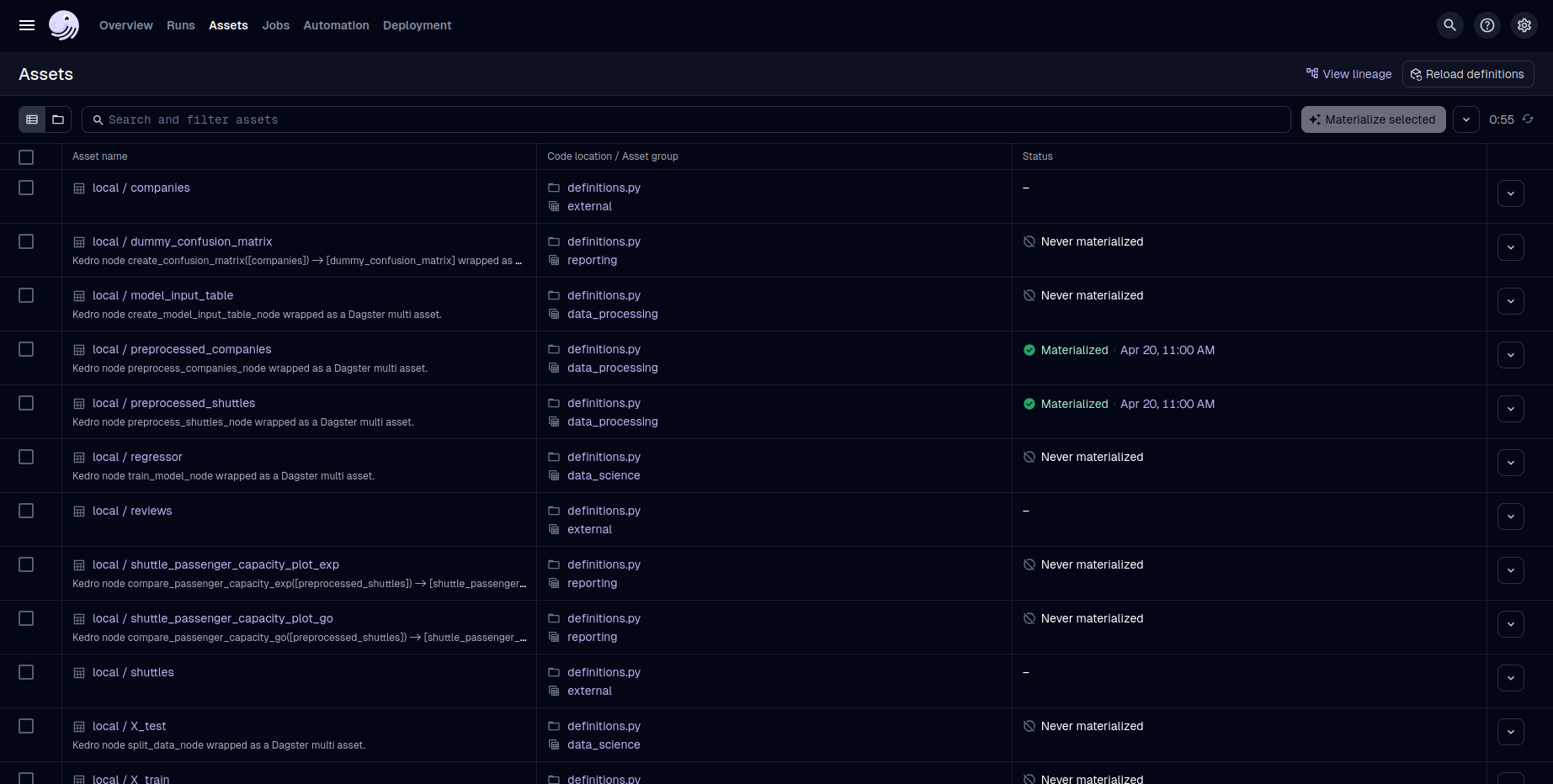
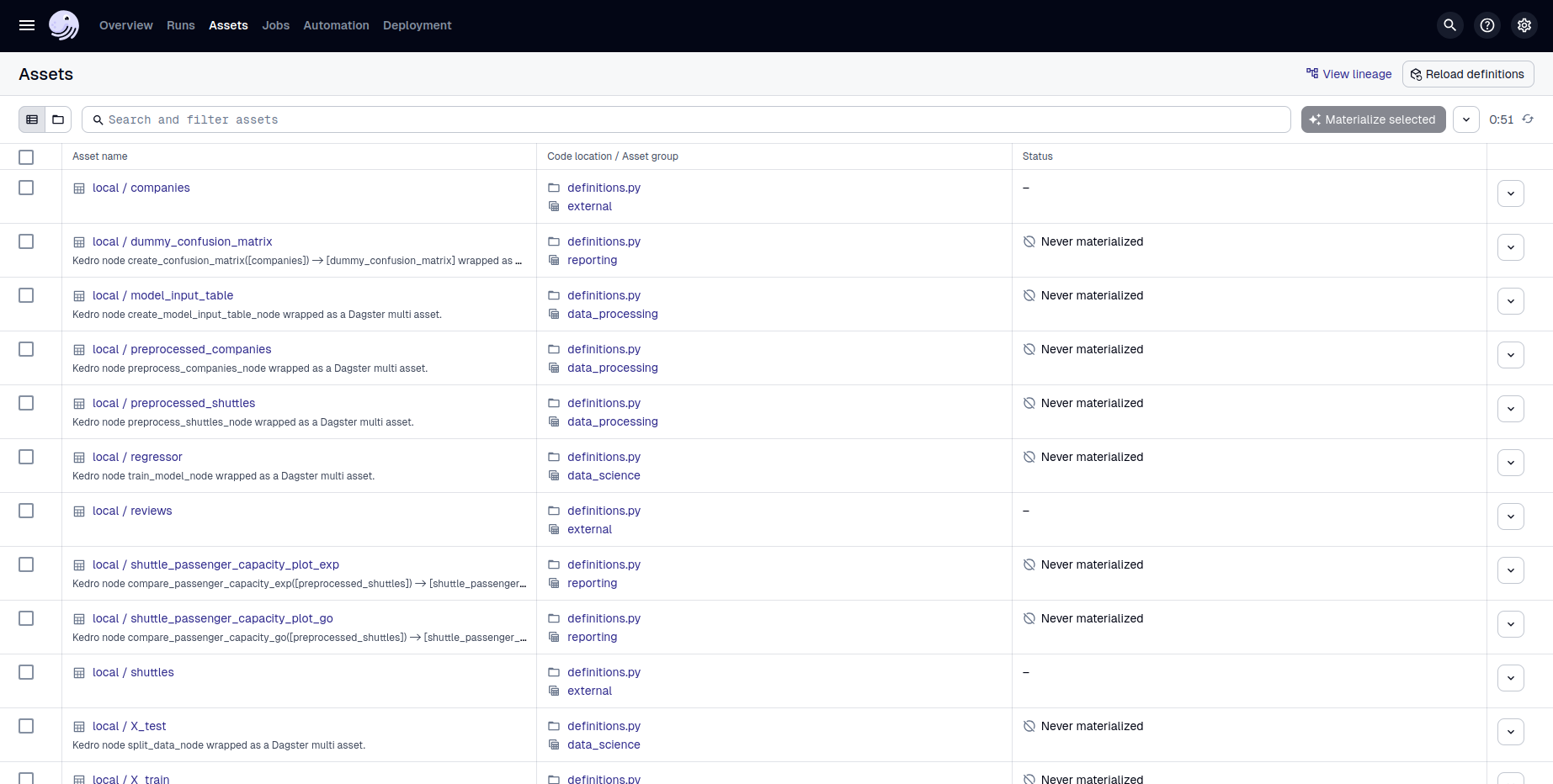
Notice that each asset is prefixed by the Kedro environment (e.g., local__). If a dataset was generated from a dataset factory, its namespace also appears as a prefix.
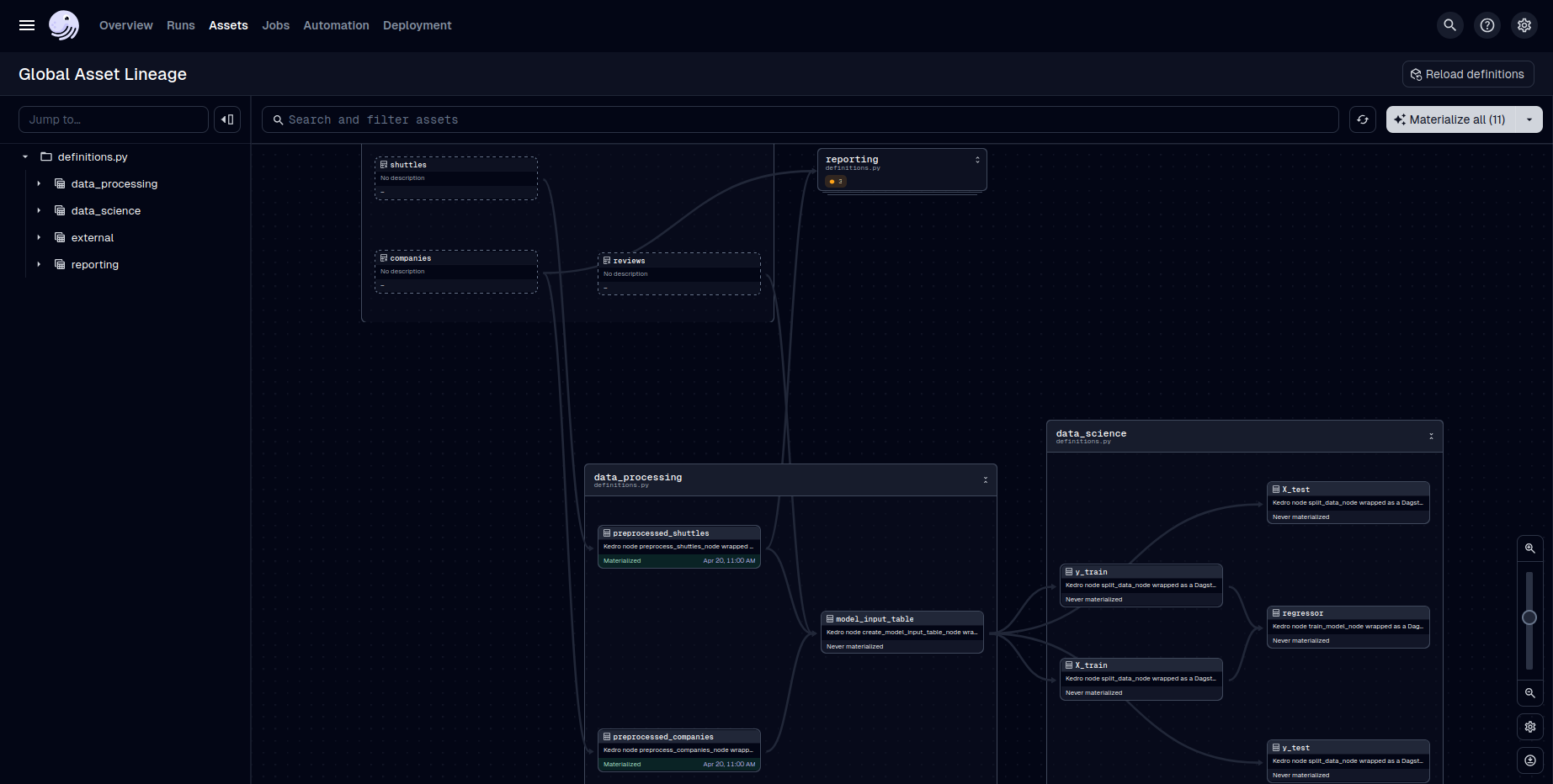
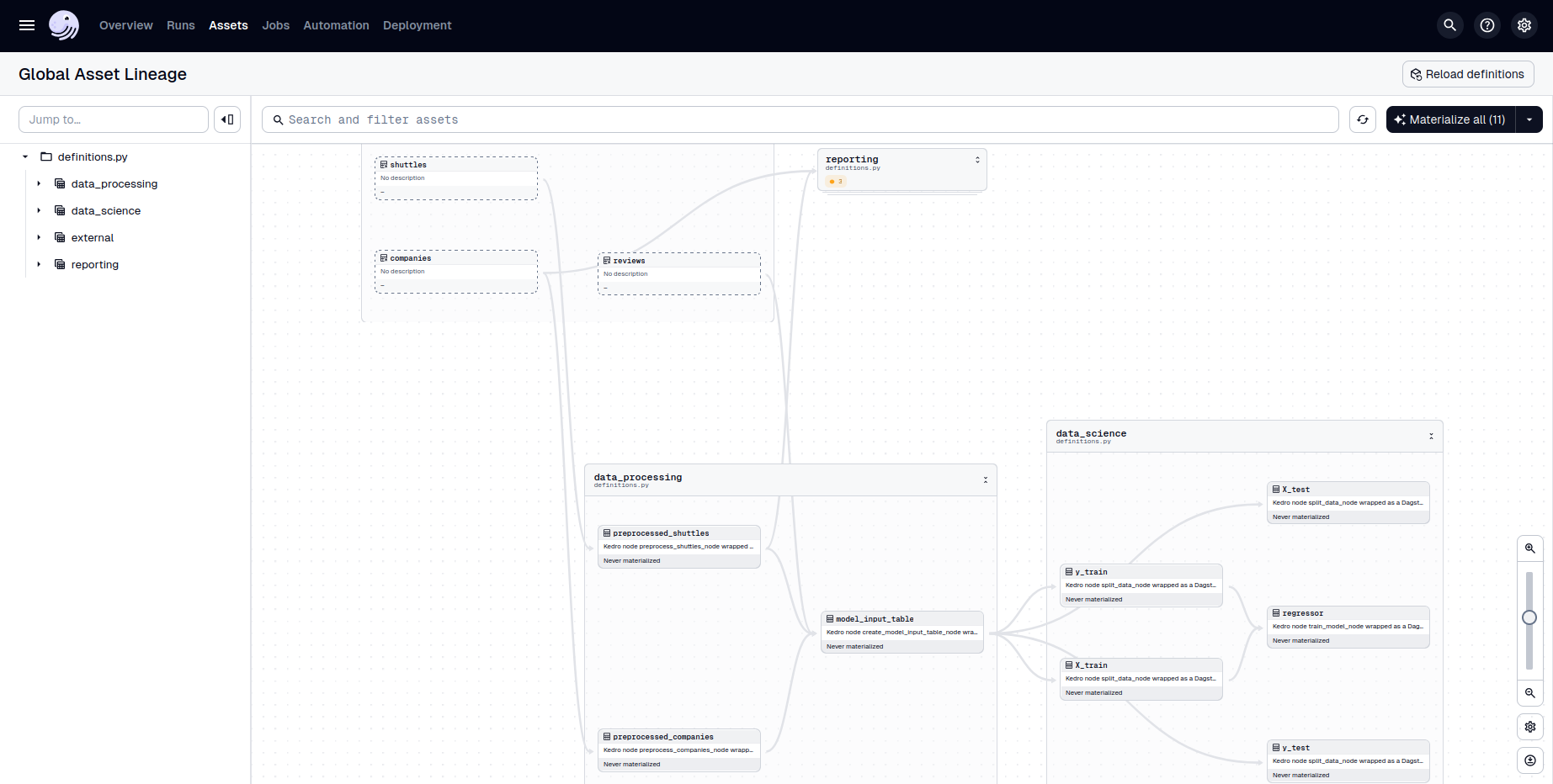
Clicking "Asset lineage" at the top-right shows the dependency graph between assets:
Jobs
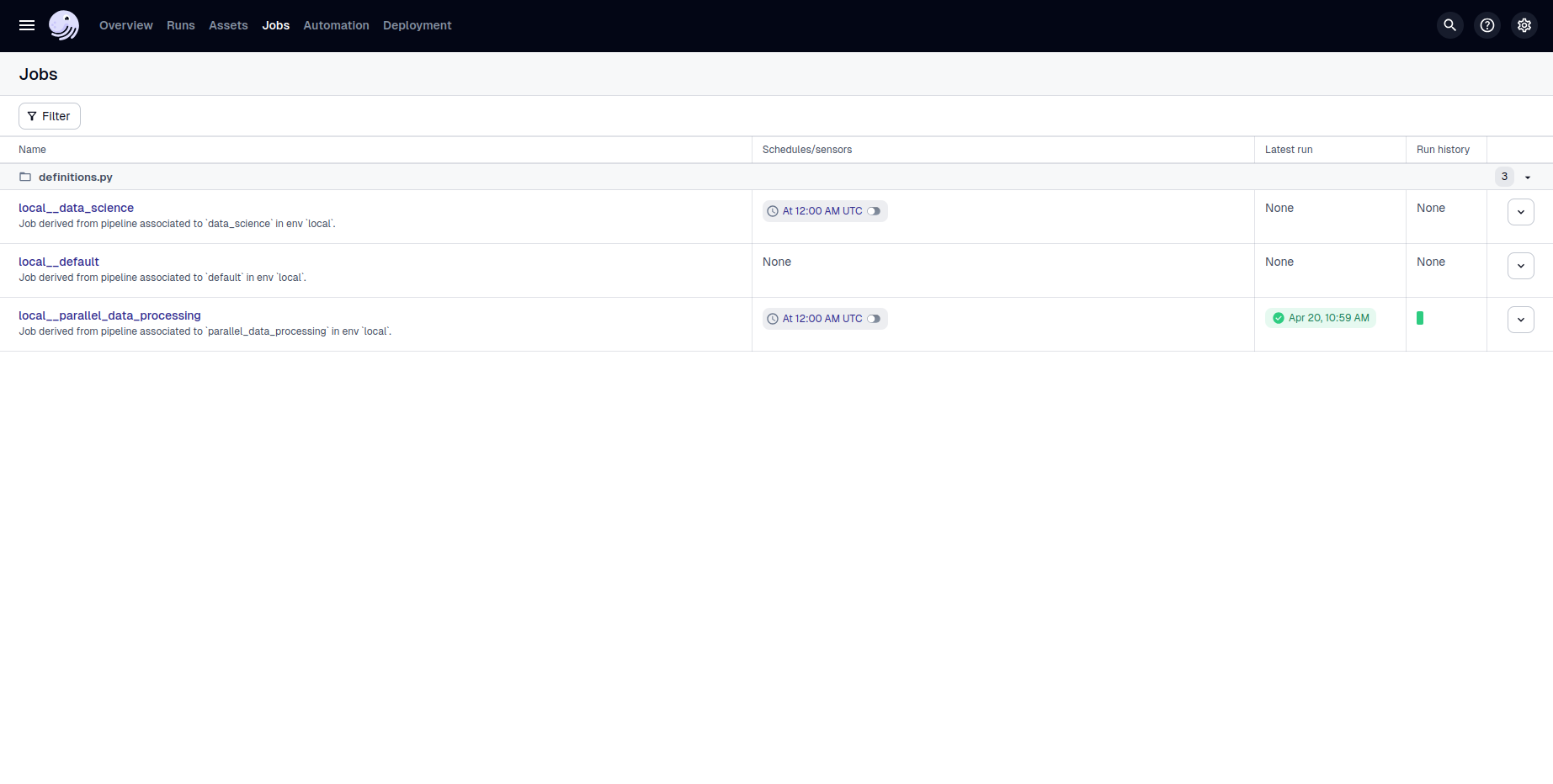
The "Jobs" tab lists the jobs defined in dagster.yml, with names prefixed by the Kedro environment.
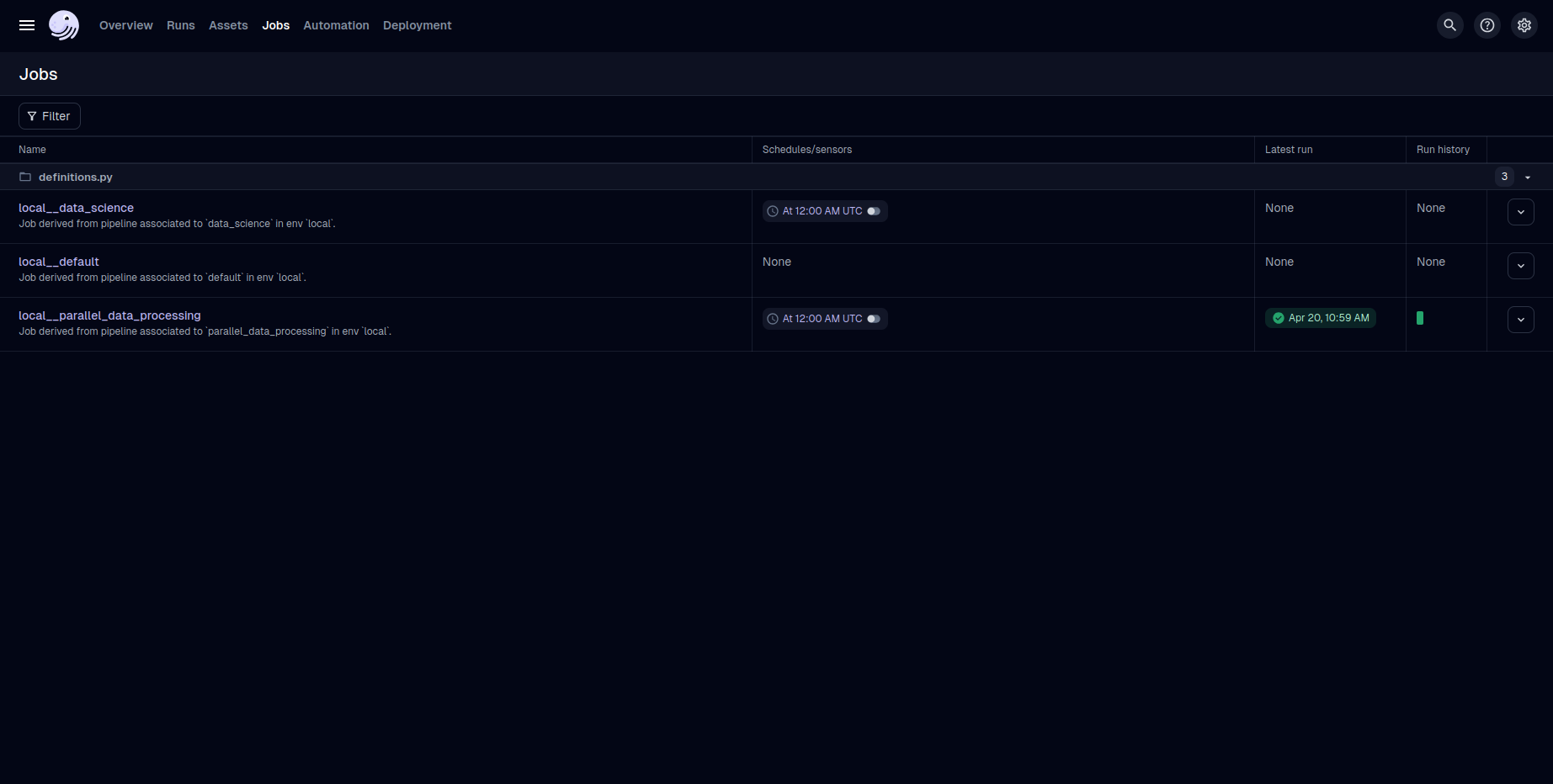
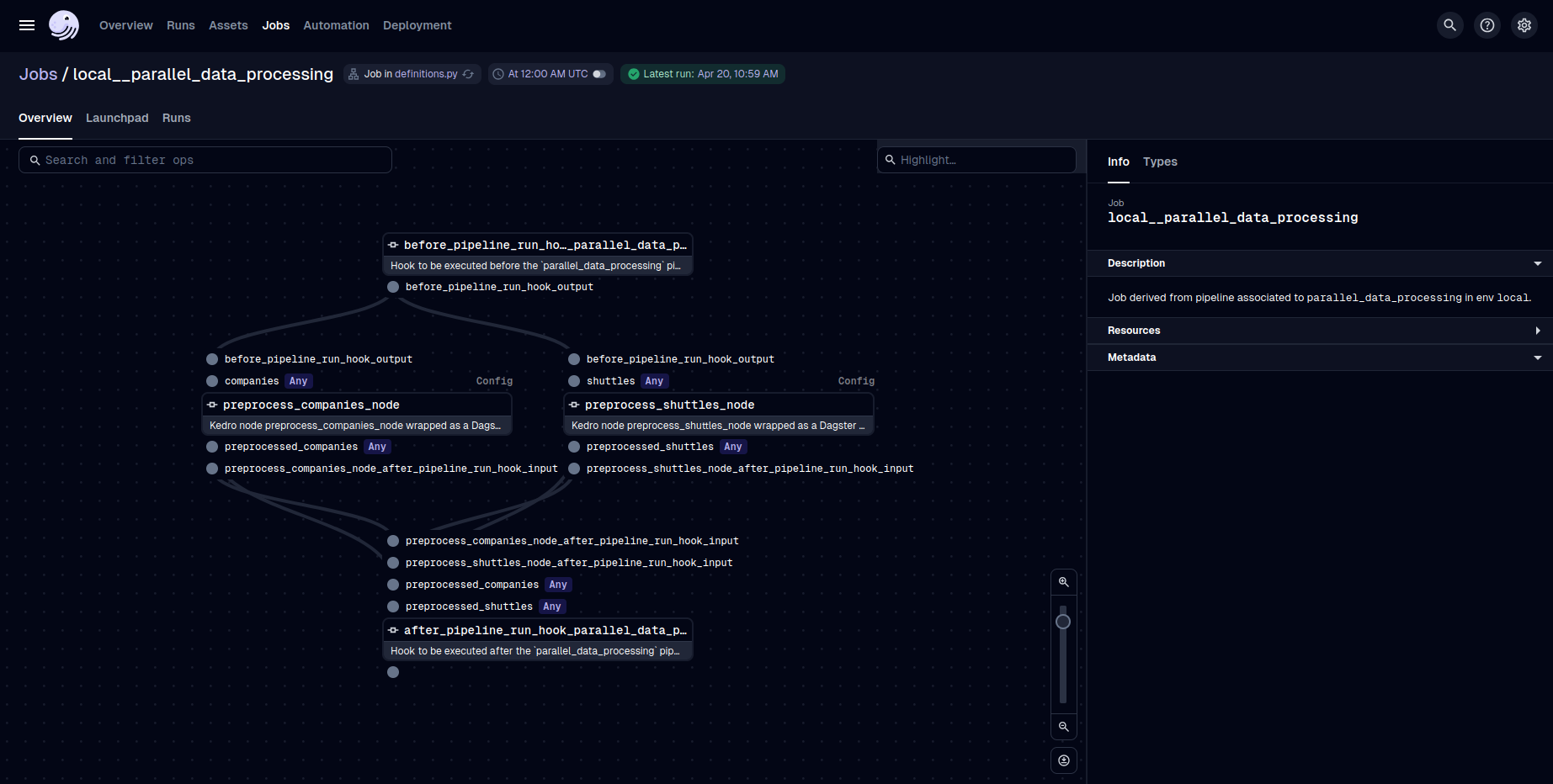
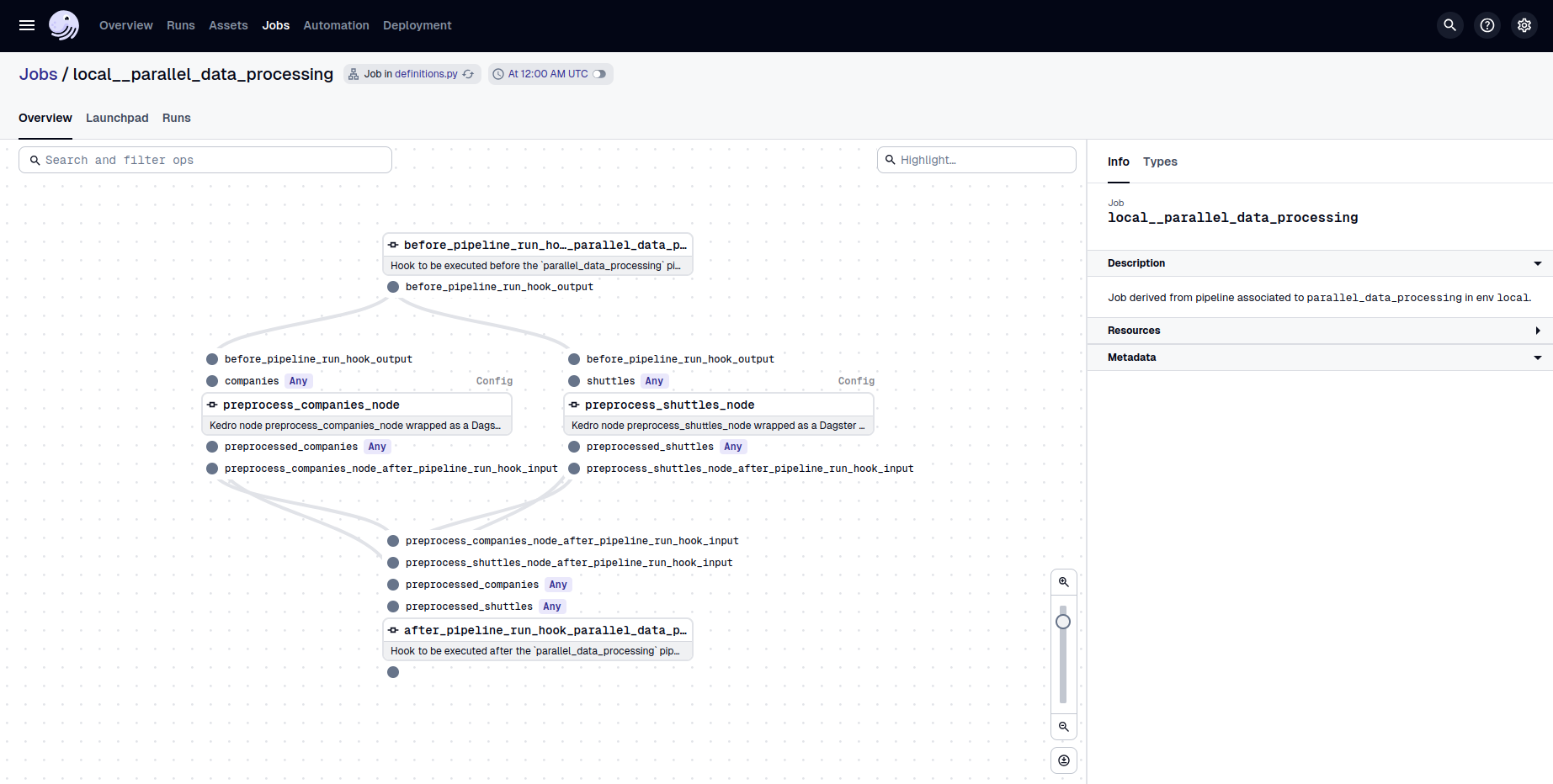
Clicking on parallel_data_processing shows the translated pipeline graph. Notice that before_pipeline_run and after_pipeline_run appear as the first and last ops; these preserve your Kedro hooks.
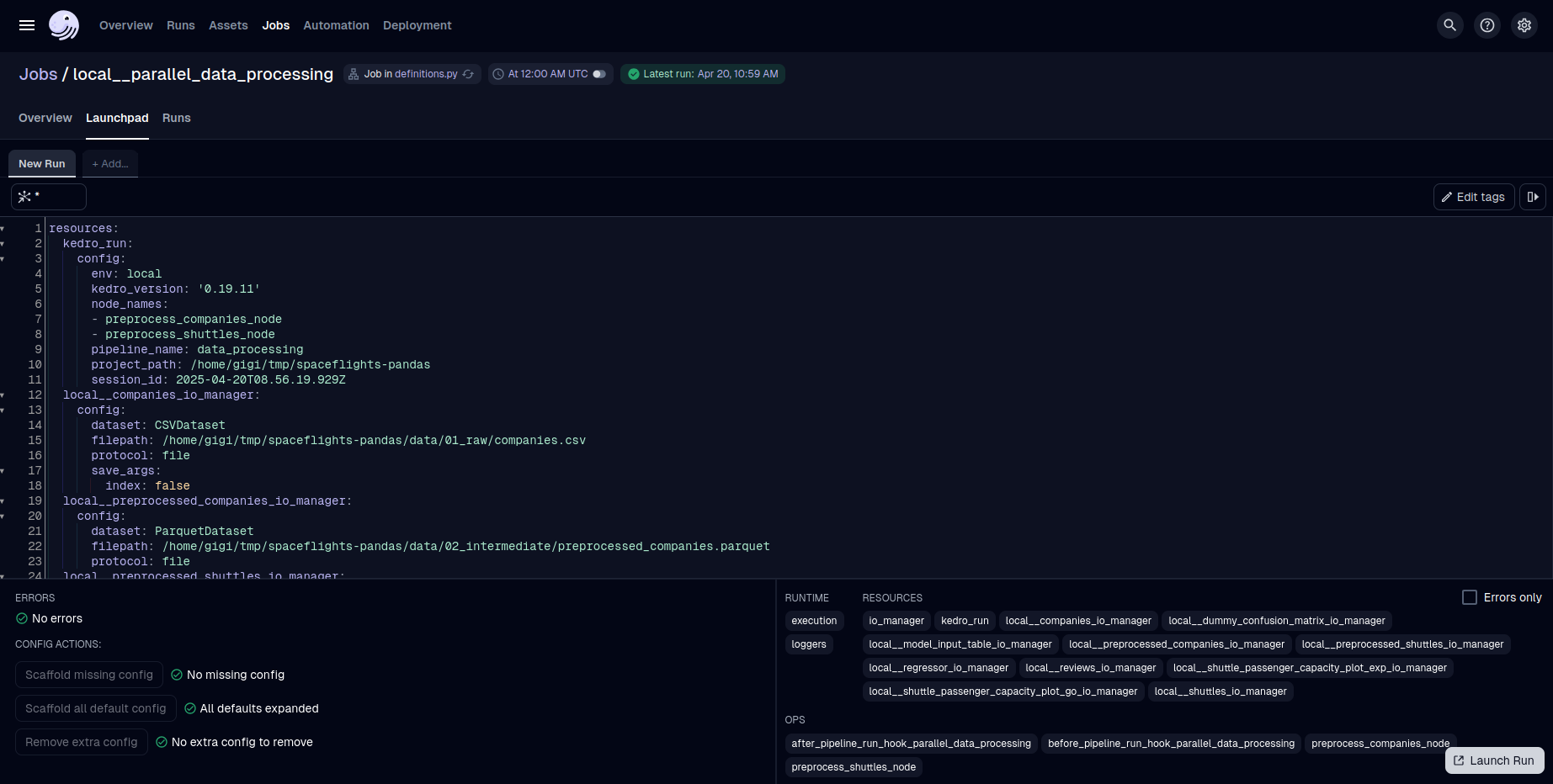
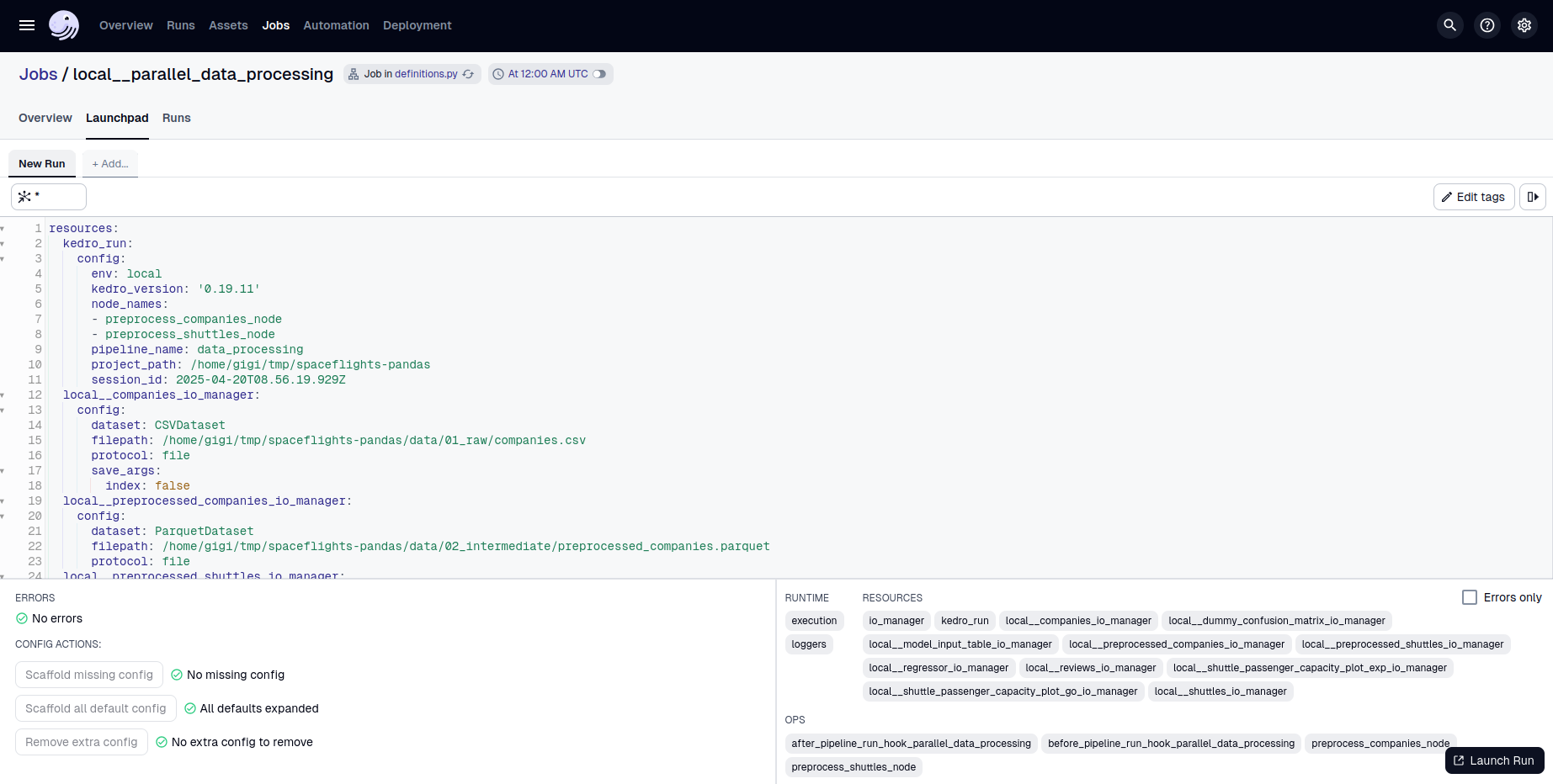
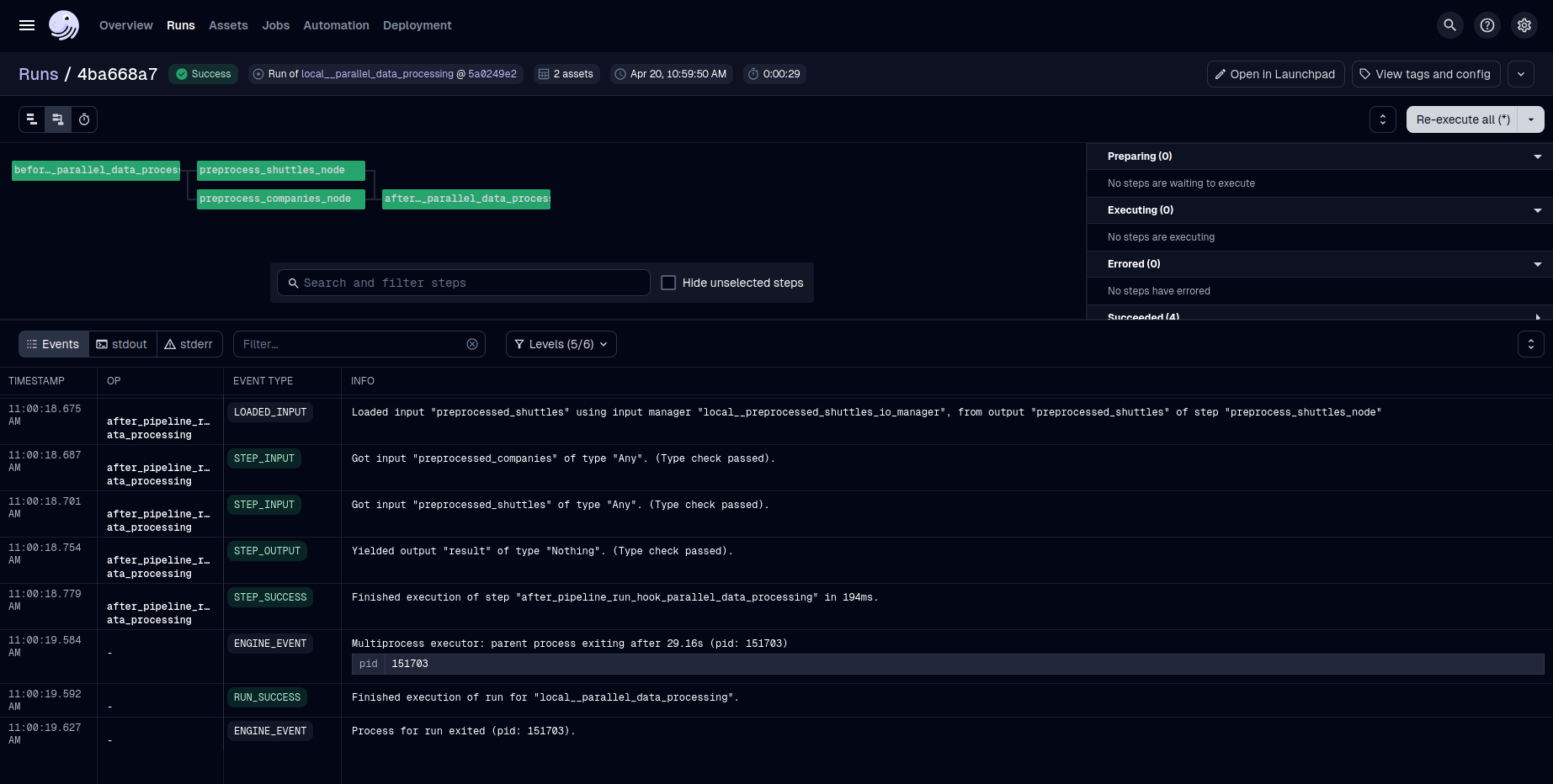
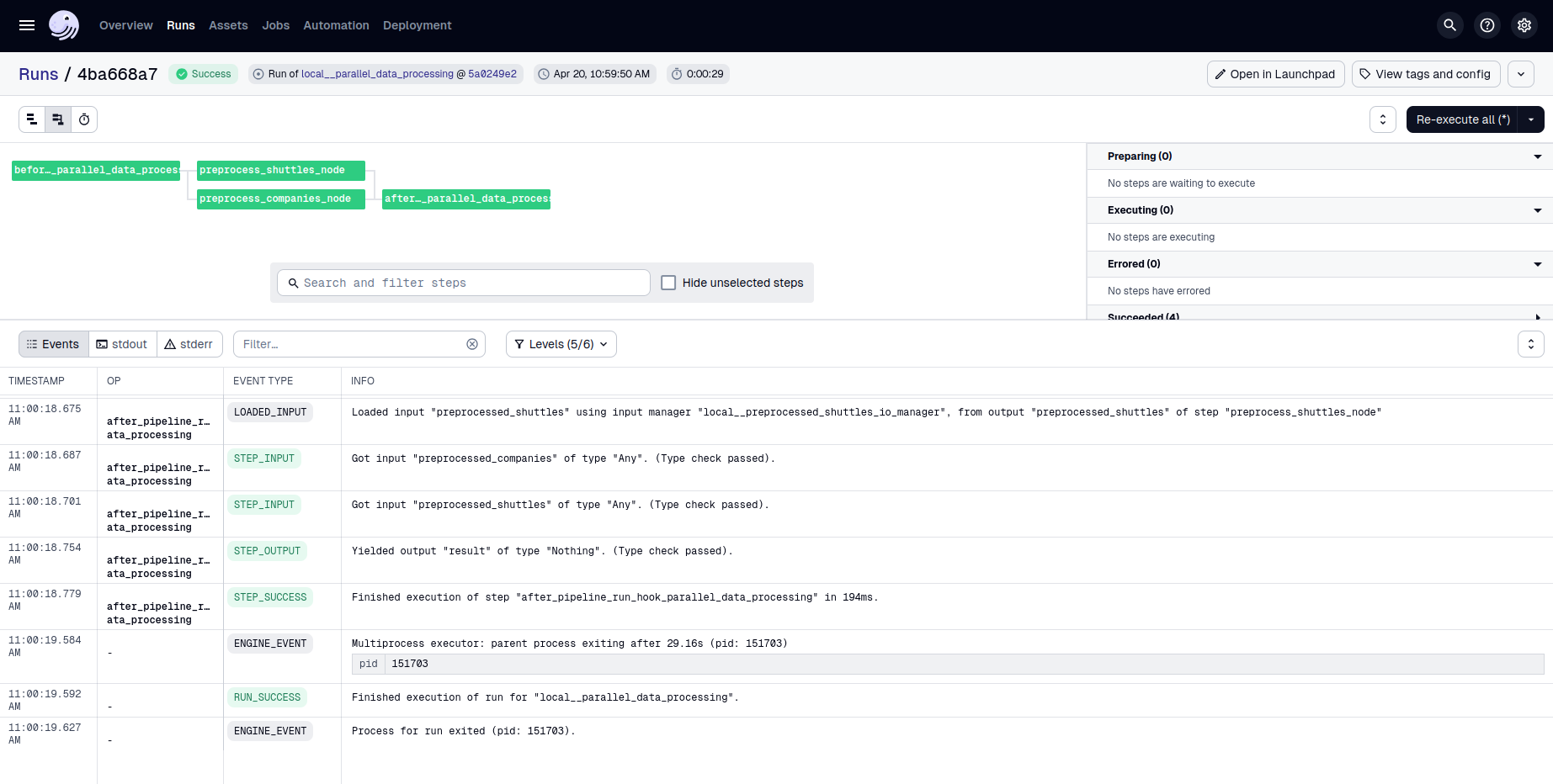
We can launch the job from the "Launchpad" sub-tab. The Kedro parameters (mapped to Dagster Config) and datasets (mapped to IO managers) can be modified before launching:
Resources and Automation
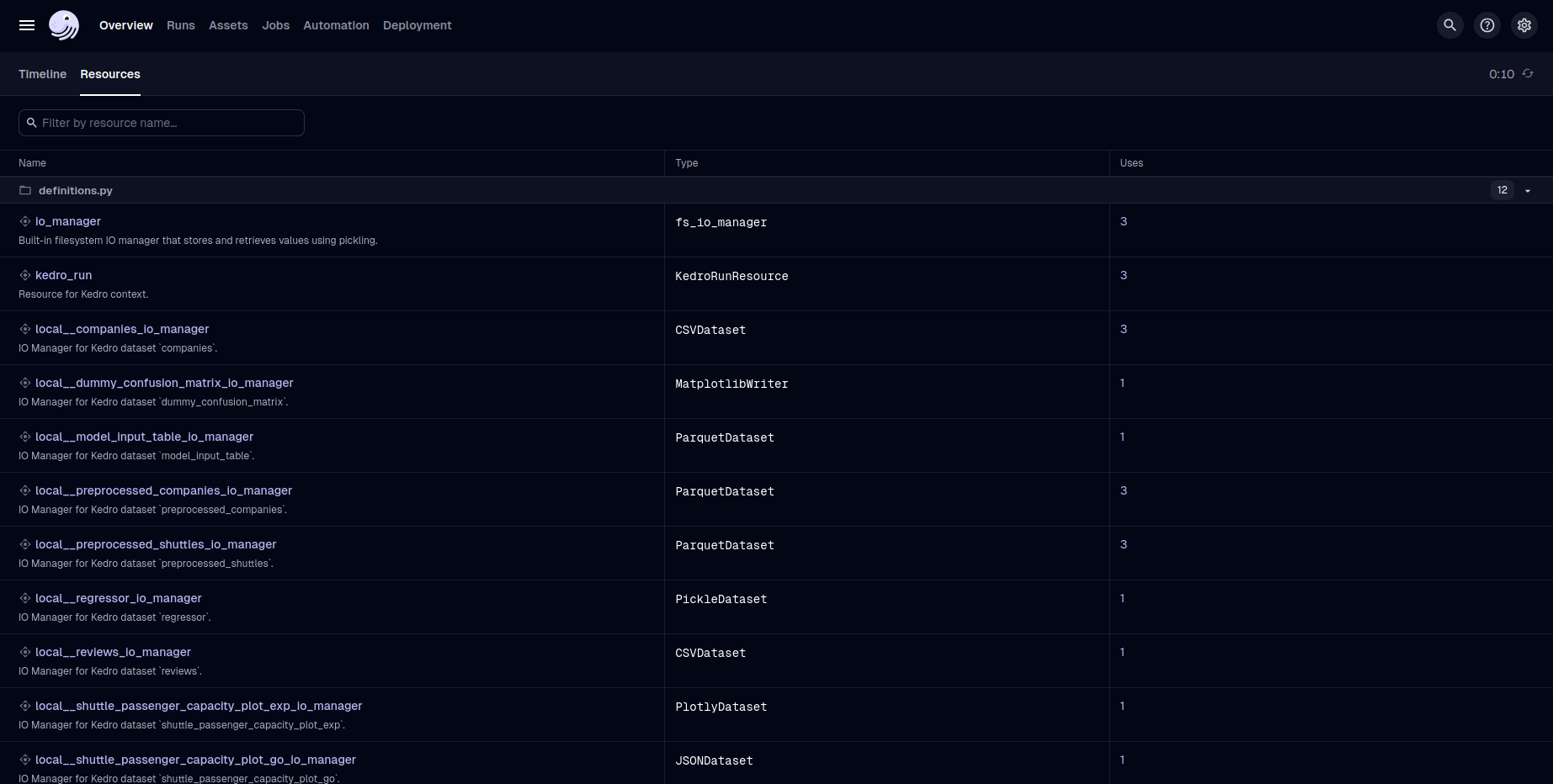
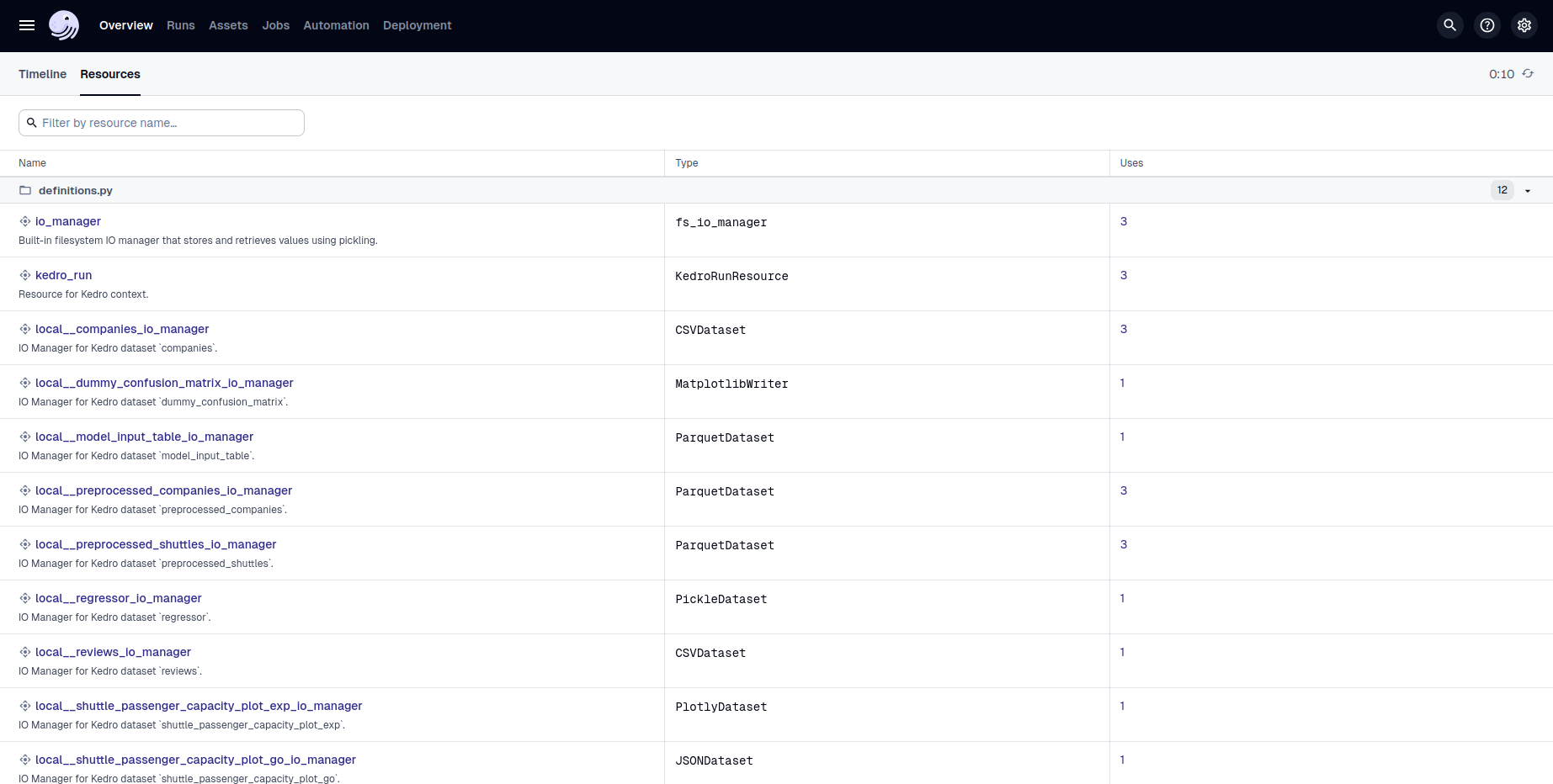
The "Resources" tab shows one Dagster IO Manager per Kedro dataset; these interface with each dataset's save and load methods.
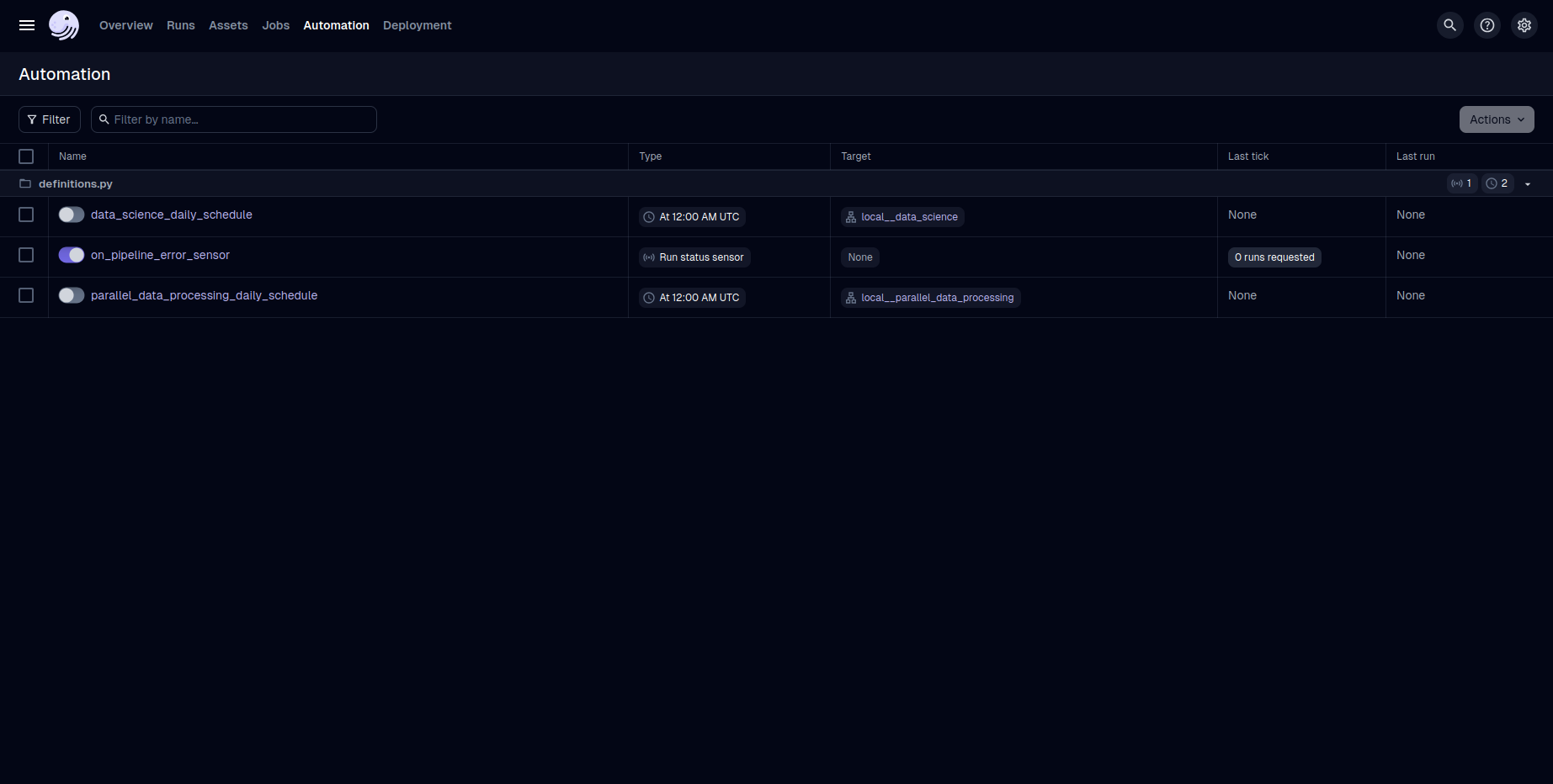
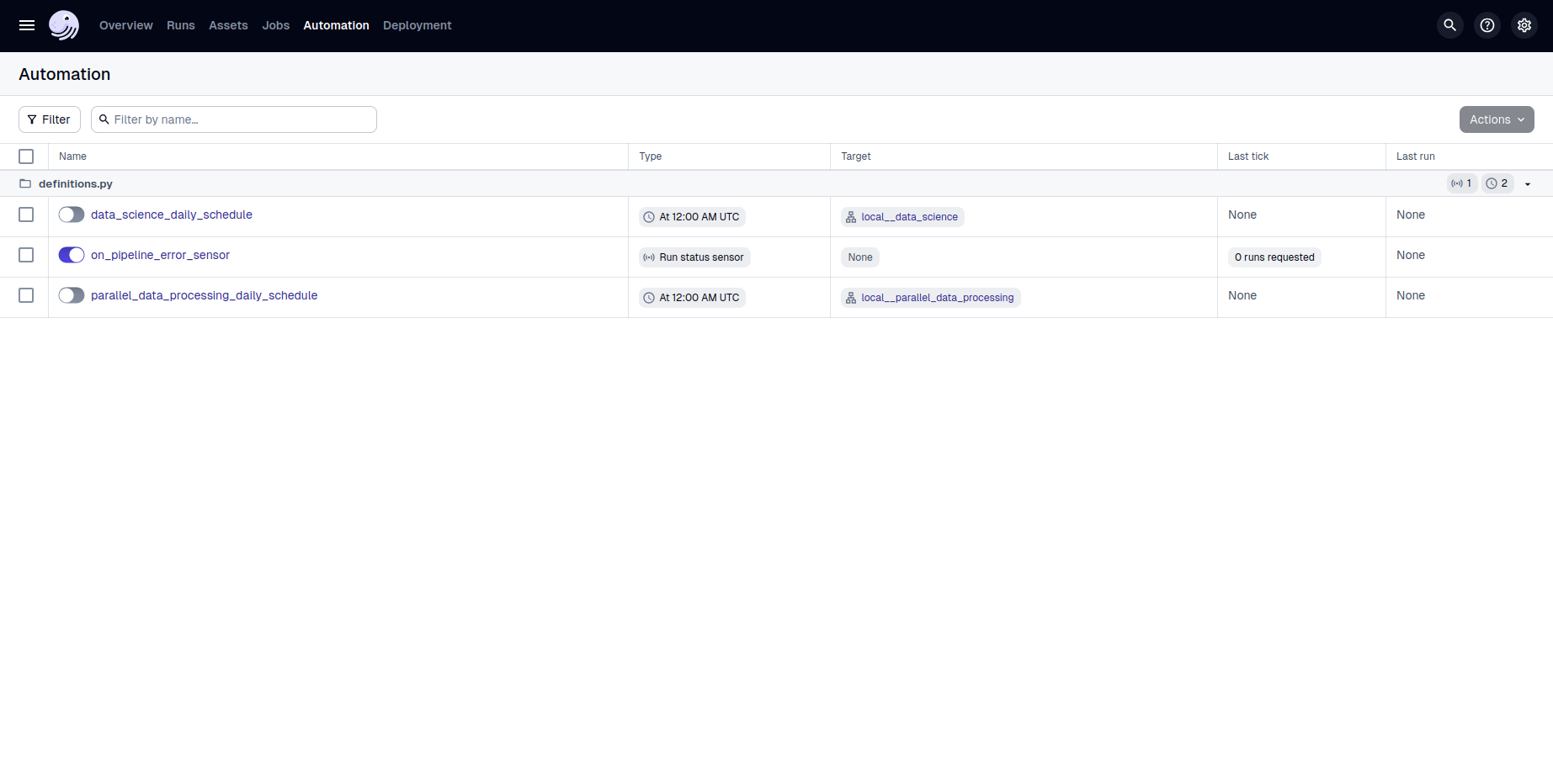
The "Automation" tab shows the defined schedules and sensors. Kedro-Dagster uses a sensor to enable the on_pipeline_error hook.
Next steps
- Advanced example: Visit the Example Project for partitions, MLflow, and multi-environment configuration.
- Configuration: Explore the configuration reference for all available options.
- API: See the API reference for details on available classes and functions.